
- Published on
How to Implement Azure Communication Service to AspNetZero
- Authors

- Name
- Oğuzhan Kırçalı
Azure Communication Service (ACS) is a cloud-based service that enables developers to add communication capabilities such as e-mail, voice, video, chat, and SMS to their applications. We'll go with e-mail service. This guide will walk you through the steps to implement Azure e-mail communication service to your AspNetZero project.
It is not an inbox. So, you can use it for only sending e-mails. It is an alternative to SendGrid.
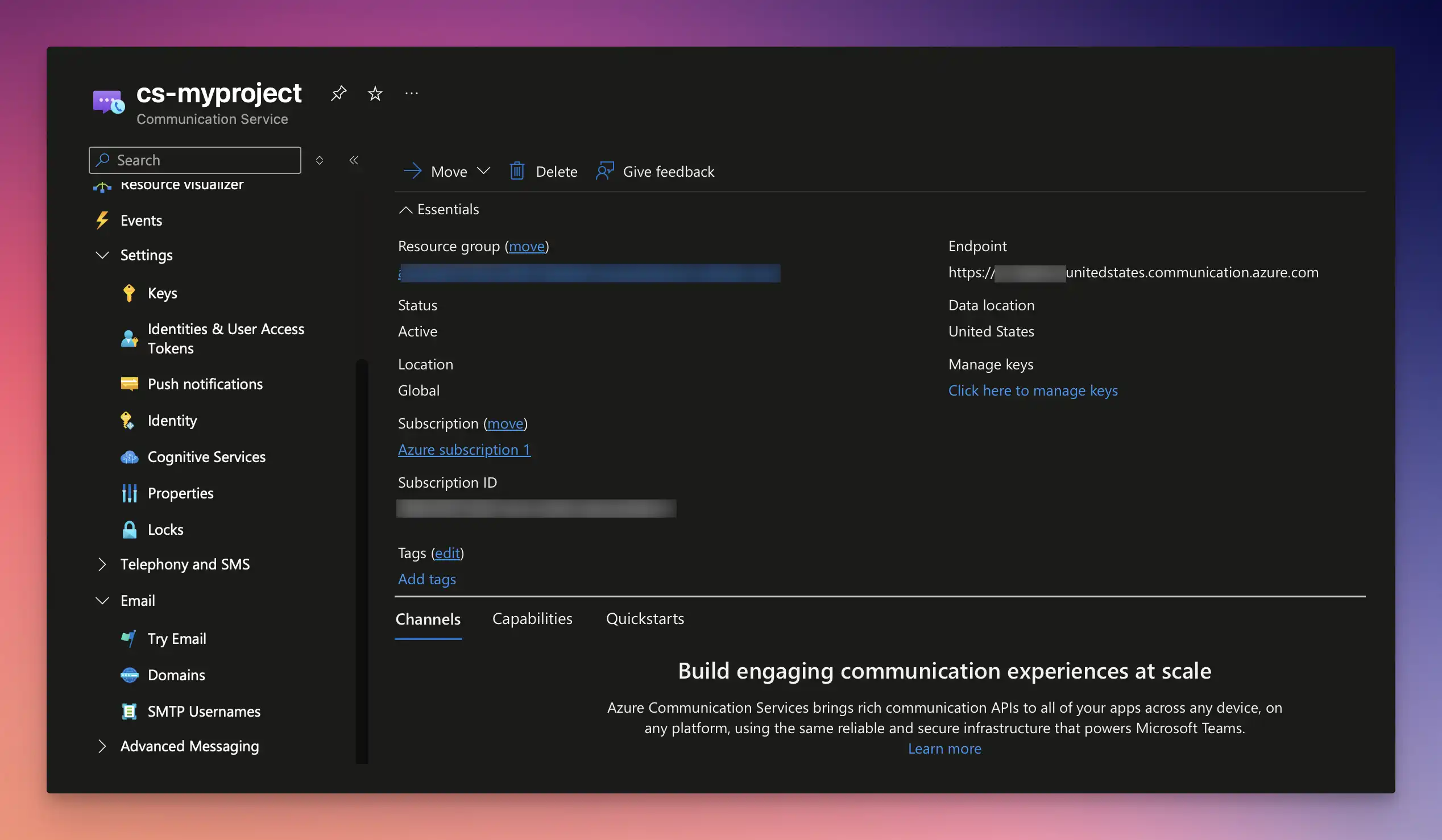
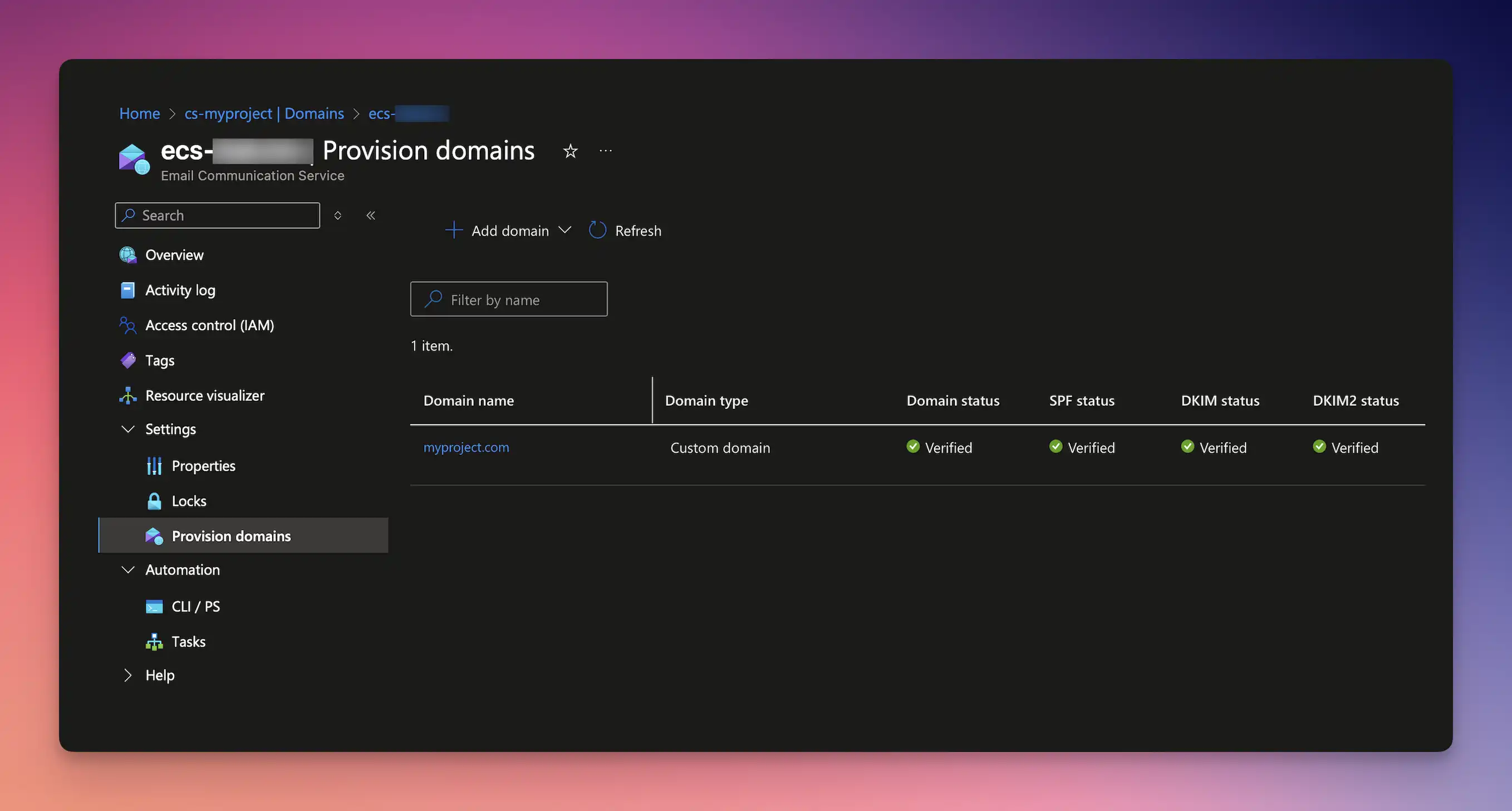
First, ensure you have an Azure account and have created an Email Communication Service under communication service resource in the Azure portal. Once you have your resource, you will need to obtain the connection string which will be used to authenticate your application with the ACS service under cs > settings > keys menu. Also, set up your domain and DNS settings for sending e-mails with your custom domain.
Inject the EmailClient from Azure Communication Service SDK into your Startup.cs file.
using Azure.Communication.Email;

services.AddSingleton(sp => new EmailClient(_appConfiguration["ConnectionStrings:CommunicationService"]));
Create your own IEmailCommunicationService interface that inherits IEmailSender interface. This service will use the ACS SDK to send emails.
using Abp.Net.Mail;

namespace MyProject.Net.Emailing;

public interface IEmailCommunicationService : IEmailSender
{

}
using Azure;
using Azure.Communication.Email;

namespace MyProject.Net.Emailing;

public class EmailCommunicationService(EmailClient emailClient) : IEmailCommunicationService
{

}
Replace the default service with the new EmailCommunicationService in your module file.
Configuration.ReplaceService(typeof(IEmailSender), () =>
{
    Configuration.IocManager.IocContainer.Register(
        Component.For<IEmailSender, EmailCommunicationService>()
            .LifestyleTransient()
    );
});
Then, you can test your method by injecting the IEmailCommunicationService into your application service or controller and calling the SendAsync method.
public async Task SendAsync(MailMessage mail, bool normalize = true)
{
    var emailMessage = new EmailMessage(
        senderAddress: "[email protected]",
        recipientAddress: mail.To[0].Address,
        content: new EmailContent(mail.Subject) { Html = mail.Body }
    );

    emailMessage.Headers.Add("From", "[email protected]");

    var operation = await emailClient.SendAsync(WaitUntil.Completed, emailMessage);

    Console.WriteLine($"Email Status: {operation.Value.Status}");
}